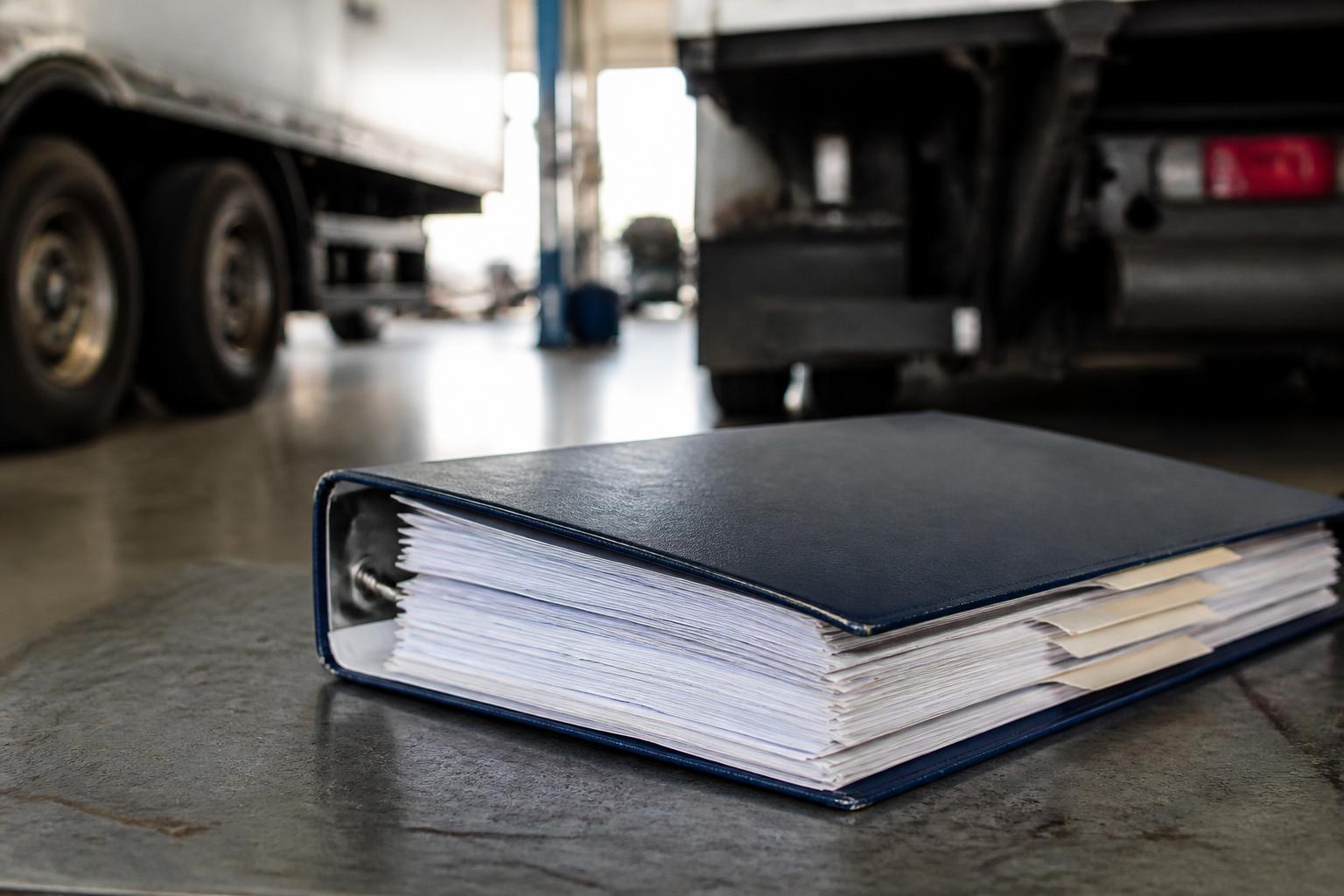
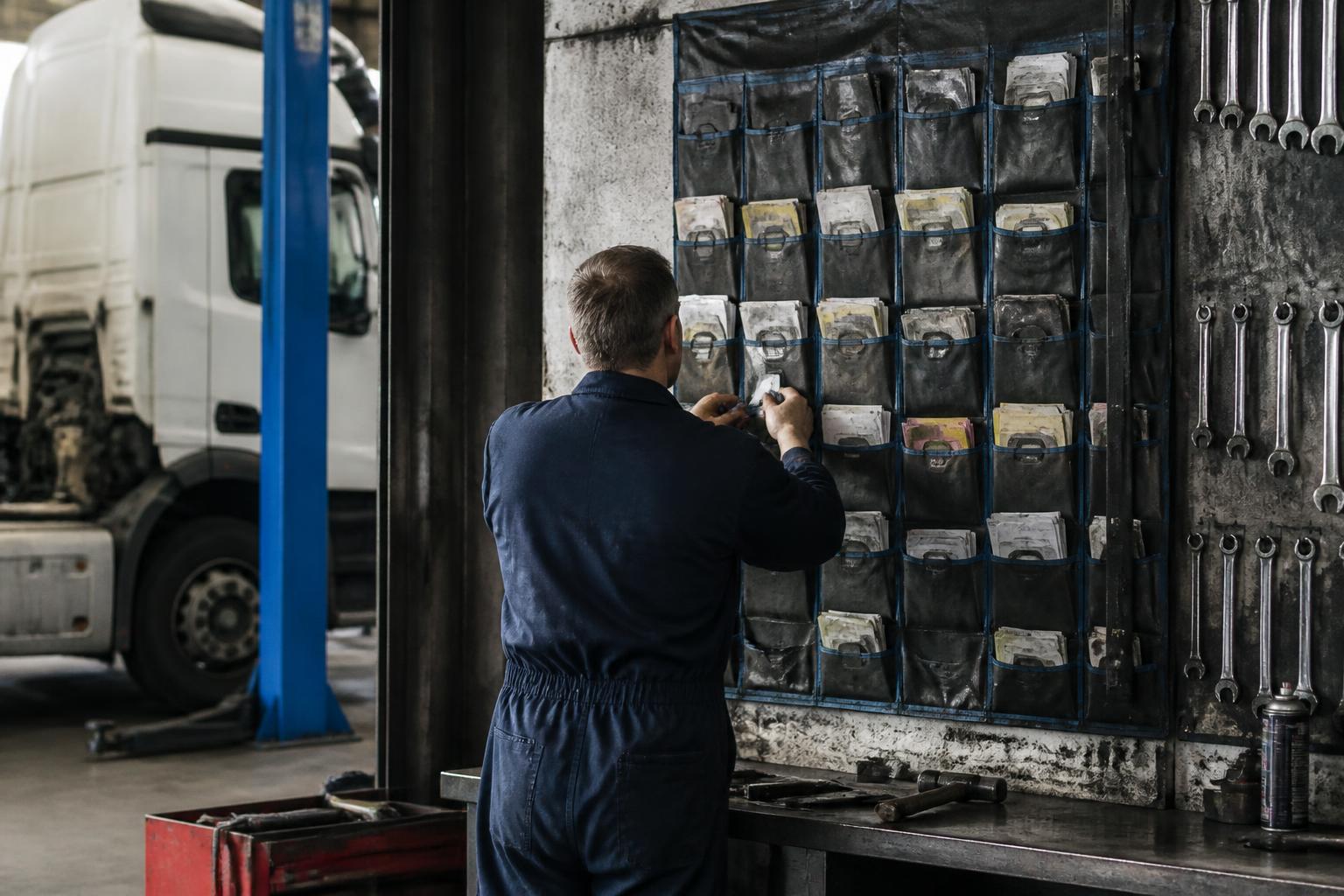
If paper job cards keep disappearing, the fix is not better filing. It is a controlled route, clear handovers, and a digital record that tells you where the paper should be right now. In a busy workshop, cards do not go missing because people are careless. They go missing because the process lets them float between booking-in, bays, parts, drivers and the office with no single owner at each step.
That matters far beyond irritation. A missing card can mean incomplete defect rectification, labour not billed, parts not charged, no proof of sign-off, and weak evidence if DVSA asks what was done and when. If you are responsible for roadworthiness and the O-licence, a lost job card is not admin clutter. It is a gap in control.
Why job cards go missing in the first place
Most paper cards disappear for ordinary workshop-floor reasons.
The vehicle arrives before the office has finished writing it up. The card is left on a counter. A technician takes it to the bay, then leaves it on a tyre machine while fetching parts. The parts counter keeps it so they can note stock issued. A driver asks whether the unit is ready and walks off with the paperwork by mistake. Someone folds the card into a cab wallet with the keys. Rain gets on it. Oil gets on it. It sticks to another sheet. It ends up under a seat, in a clipboard stack, or in the pocket of a jacket that goes home.
The busier the day, the worse this gets. If you have MOT prep, PMI work, defects from the night shift and a breakdown all at once, paper starts travelling in too many directions. Once that happens, nobody is sure which sheet is the live one. You may even get duplicate cards created because the original cannot be found. Then one has the technician notes, another has the parts issued, and neither has the full story.
That creates three immediate risks.
First, roadworthiness. If a defect is identified but the card goes missing before sign-off, you have no reliable proof that the repair was completed, checked and released correctly. That is a problem whether the issue is a lamp, a brake imbalance, a tyre, or something found during a preventative maintenance inspection.
Second, billing. If labour times, consumables, subcontract costs or extra authorisation notes never make it back to the office, the invoice is short. Workshops often feel this as margin leakage rather than one dramatic loss. It happens a little on many jobs.
Third, audit trail. For an HGV operator, paper records are not decoration. They support your maintenance system. If there is a question after a roadside stop, an MOT failure, an OCRS issue, or contact from the Traffic Commissioner, you need to show what was reported, what was done, who checked it, and when the vehicle returned to service. A missing card weakens that chain.
This is why solving how to stop paper job cards going missing in a workshop is not just about tidiness. It is about control.
Set one route that every paper card must follow
The first fix is to stop letting each job find its own path.
Every paper card needs one physical route from start to finish. Not a suggested route. The route. If people can choose whether the card stays in the cab, goes to parts, sits on the bench or returns to the office, it will drift.
A workable route in a commercial vehicle workshop usually looks like this:
- Booking-in creates the card.
- The card is placed in a single dispatch point for workshop allocation.
- The workshop controller, or whoever is acting as one, assigns the job and moves the card to the bay holder for that vehicle or technician.
- The technician keeps the card in one defined place while work is in progress, usually a bay clipboard, magnetic document holder, or weatherproof job wallet.
- If parts are needed, the card does not move to parts. The technician takes a parts request slip, or parts staff come to the bay and write on the card there.
- On completion, the technician returns the card to one completion tray with keys if required.
- Final checks, invoicing and filing happen from that point only.
That sounds basic because it is. But the discipline matters. The card should never travel loosely in a hand unless it is moving between two named locations. No stopping on desks. No leaving it in the cab. No putting it on a tyre trolley because there is nowhere else.
We have found it helps to map the route physically on the wall in the office and workshop. Use the actual location names people know, not process language. For example, “Booking-in desk”, “Job board rack”, “Bay 3 clipboard”, “Completed jobs tray”. If a new starter cannot walk the route on day one, the route is not clear enough.
This is also where colour helps. PMI cards, MOT prep, breakdowns and driver defects should not all look the same. Different coloured stock or bold header bands make it easier to spot when the wrong sheet is in the wrong place. If your workshop handles both operator fleet work and retail work, separate those too.
One more point. The route needs an owner. In most small and mid-sized workshops, that is the workshop controller, foreman, or transport manager if they are still running the floor. Someone must be able to answer, at any time, “Where is the card for unit 123?” If the answer is “somewhere in the workshop”, the route is not under control.
Put control points where cards usually get lost
Paper rarely vanishes in the middle of a task. It goes missing at handover.
So do not spread your effort evenly. Put checks where the risk is highest.
The first control point is booking-in to workshop allocation. Before a vehicle goes into a bay, the card should be logged as issued to that bay or technician. A whiteboard can do this. A simple workshop system can do it better. What matters is that the card is no longer just “written out”. It is shown as active and allocated.
The second is bay to parts. This is where many cards disappear because parts staff need vehicle details, registration, unit number, axle position, tyre size, and the technician wants one sheet to carry everything. Resist that. The job card should stay with the job. If parts need information, use a duplicate parts request slip, or have a standard box on the card for issued parts to be completed at the bay.
The third is work pause points. If a technician is pulled off one vehicle onto another urgent job, the card needs to go back to the bay holder or active rack, not into a pocket or onto the wing. This is one of the easiest habits to enforce and one of the most valuable.
The fourth is completion to sign-off. Finished jobs often pile up in a loose stack while someone waits for authorisation, road test, wash, or invoice details. That stack is a graveyard for paperwork. Use one completion tray only. If a job still needs a check, mark it as “awaiting QC” or “awaiting authorisation”, but keep the card in the same controlled place.
The fifth is release of vehicle and keys. No keys should be handed back to a driver, and no vehicle should be shown as ready, until the card is in the completion tray with the required signatures or release note. That includes defect work and not just chargeable jobs. If a vehicle is released before the paperwork comes back, the paperwork often never comes back.
For maintenance records, the final control point is filing or scanning. Once the work is closed, the card should be scanned the same day or filed into the maintenance pack in the same routine. Leaving completed cards in a pile for “when we get a minute” is how evidence goes missing before it ever reaches the record.
If you are dealing with PMI records, brake test printouts, tachograph calibration paperwork, MOT preparation sheets or subcontract invoices, attach them at this point. Do not trust yourself to match them up later from memory.
Make the card easier to use properly
A lot of bad paperwork is caused by bad paperwork design.
If the card is cramped, unclear, or asks for too much in the wrong order, people will work around it. Once they work around it, it goes missing more easily.
Keep the front page simple. The top should show the essentials in large print. Registration, fleet number, customer, mileage or kilometres, date in, due date if relevant, job type, and the reason the vehicle is in. If it is a PMI or preventative maintenance inspection, say so clearly. If it is a driver defect, say what was reported.
Then give the technician enough space to write what was found and what was done. Not a tiny comments box. Real space. A technician who cannot write legibly in the space available will write on scraps, gloves boxes or the back of another sheet.
Use tick boxes for repeated workshop actions. For example, “road test required”, “brake test attached”, “parts outstanding”, “authorisation required over internal limit”, “vehicle off road”, “safe to release”. Tick boxes get used. Blank lines often do not.
If you run an authorisation threshold, put it on the card. For example, work outside the booked scope, or costs above your agreed internal limit, must be approved by the transport manager before proceeding. Then include boxes for who approved it and when. That protects billing and stops arguments later. We covered the wider process in our guide to repair authorisation that stops cost drift in the workshop.
Physically, the card needs to survive workshop conditions. Use heavier paper or card stock. Use clipboards, magnetic sleeves, or waterproof wallets where needed. If your technicians often work outside, a soggy A4 sheet is not a serious control method.
Also think about attachment points. If brake test results, parts pick notes or defect photos are common, make it easy to pair them with the card. Staple points, document wallets, or a printed checklist of expected attachments all help.
One rule is worth making explicit. Never use the original job card as a general message pad. If somebody needs to leave a note for the office, they use the notes box or a separate message slip. Once cards become general-purpose paper, they vanish into general-purpose clutter.
Use a digital backstop without pretending paper has vanished
Paper still exists in plenty of workshops because it works on the floor. It is visible, quick, and does not mind dirty hands. Pretending you can abolish it overnight usually ends with a worse process, not a better one.
The sensible approach is a digital backstop.
At minimum, log each job digitally when the paper card is created. Record the vehicle, job type, date opened, current status, bay or technician, and whether the paper card has been returned. Then, if the card is delayed or misplaced, you still know the job exists and where to start looking.
Better still, scan or photograph the card at key points. A quick image at booking-in captures the original instruction. A scan at completion preserves the evidence even if the paper copy later goes astray. If there are defect photos, attach them to the same job record. This matters when there is a later challenge over whether a defect was present, reported or repaired.
A digital status board also helps stop duplicate cards being created. If the office can see that unit 123 already has an open PMI in Bay 2, they are less likely to write a second sheet because the first one is not immediately visible.
This is where practical job tracking makes a real difference. We built our systems from a working HGV workshop because this is exactly the sort of problem that spreadsheets and generic software miss. If you want the workshop and office to see the same live position, our article on job tracking that stops work going missing shows what that looks like in practice. If the wider issue is defects drifting between report, repair and test, read keep workshop jobs from disappearing between defect and MOT.
The important bit is honesty. A digital backstop is not there to make the paper unnecessary on day one. It is there to stop one missing sheet from becoming a missing job, a missed invoice, or a weak maintenance record.
Check the process every week until it sticks
No paperwork process survives on design alone. It survives because somebody checks it.
The weekly routine does not need to be elaborate. It does need to happen every week, especially while the new process is bedding in.
Start with an open jobs review. Print or display every job opened in the last seven days that is not fully closed. Ask three questions for each one. Where is the vehicle? Where is the paper card? What is the current status? If any answer is vague, chase it there and then.
Next, review completed vehicles against completed paperwork. Pick a sample, or all of them if volumes are manageable. Check that the card is back, legible, signed where required, and matched with supporting documents such as brake test reports or subcontract paperwork.
Then look at failures, not just totals. If cards went missing, where did they go missing? Bay to parts? Completion tray to invoice? Driver collection? You are looking for repeat failure points, not someone to blame.
A short standing meeting works well. Ten to fifteen minutes. Workshop controller, office lead, parts if relevant, and whoever carries the maintenance responsibility. Keep it factual. Unit number, missing stage, action, owner.
If you find the same issue three weeks running, change the process physically. Add a rack. Move the tray. Change the card layout. Stop relying on reminders where a simple control would do more.
It also helps to audit against your maintenance obligations, not just admin accuracy. If a missing card involved a PMI, safety defect, brake issue or other roadworthiness item, treat it as a higher priority than a minor retail job sheet. The paperwork risk is not equal across all work.
Finally, do not wait for a monthly review if a card is missing on a live vehicle. Search the same day. Once the workshop has turned over another few jobs, the trail goes cold fast.
A lot of operators searching for how to stop paper job cards going missing in a workshop are really dealing with a broader control problem. Work is moving, but the evidence is not moving with it. The answer is not to shout about paperwork more often. It is to give every card one route, tighten the handovers, make the form usable, and keep a digital record behind it.
That is the unglamorous answer because it is the real one. In a busy commercial vehicle workshop, paper only stays under control when the process around it is tighter than the pressure of the day.
Why do paper job cards usually go missing?
Usually because nobody owns the next handover. The card leaves the office, goes to the bay, then to parts, then into a cab or a pocket. Once there is more than one possible route, cards start disappearing.
Should we get rid of paper job cards completely?
Not necessarily. Many workshops still need paper on the floor. The real fix is control. If paper stays, give it one route, one owner at each stage and a digital record of where it should be.
What is the riskiest point in the process?
Handover between people. Booking-in to workshop control, workshop control to technician, technician to parts, and completed job back to the office. That is where cards get left on benches, in cabs or under other paperwork.
Do missing job cards create compliance problems?
They can. If you cannot show what work was reported, done, deferred or signed off, you weaken your maintenance records. That matters for PMI history, defect follow-up, roadworthiness evidence and any DVSA visit.
What is the simplest control to add first?
Start with a live register. Every card gets a number, a vehicle, a date, a current holder and a status. If a card is not back by the end of the shift, somebody is named and asked for it.