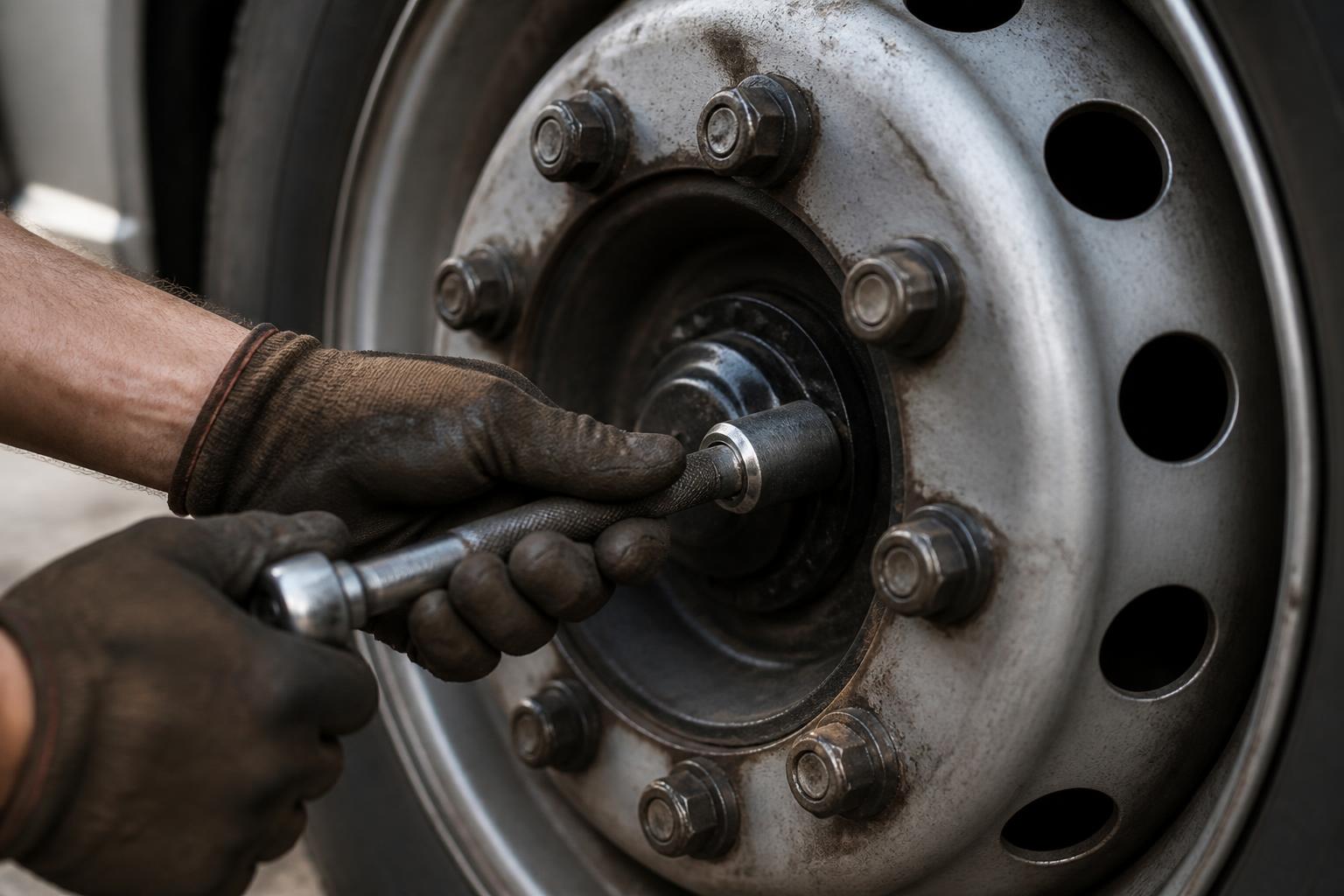

If you run trucks or a commercial vehicle workshop in the UK, PMI software only earns its place if it stops two things. Missed inspections, and work disappearing between defect report and sign-off. A calendar alone is not enough. You need a system that shows what is due, what is late, what was found, what was repaired, who made the decision, and what evidence you can put in front of DVSA without a scramble.
That is why we build workshop-led systems, not software that treats maintenance as a row on a spreadsheet. In practice, the useful choice is software for PMI planning and repair tracking that ties the inspection schedule to the actual workshop job, the parts delay, the technician notes, the brake test, and the final return-to-service decision. Anything less leaves gaps, and gaps are what cause trouble.
What UK operators actually need from PMI software
Under the UK operator licensing regime, the basic requirement is not complicated to describe. It is harder to run consistently. You need a forward plan for every vehicle and trailer. You need a record of each preventative maintenance inspection. You need defects followed through to completion. And you need to be able to prove roadworthiness with records that make sense when somebody else reads them.
For most operators, the minimum useful functions are these.
First, an inspection planner that works by vehicle and trailer, with dates, intervals and status. It should handle six-weekly, eight-weekly or mixed cycles without manual chasing. It should show bookings ahead, not just what is already overdue. If a unit comes off the road, is sold, is hired in, or changes usage, the plan must be easy to adjust without losing history.
Second, proper PMI records. Not a note saying "done". A real preventative maintenance inspection record with the inspection date, odometer or kilometre reading where relevant, the inspection sheet used, the items checked, defects found, rectification required, and sign-off. If you use brake performance testing as part of your maintenance regime, the result needs to sit with the job record, not in somebody's email or on a printer shelf.
Third, defect follow-up. Driver walkaround defects, workshop findings, and MOT advisories all need a route from report to action. The record should show whether the defect made the vehicle unroadworthy, whether it was taken out of service, what work was authorised, what was done, what remains outstanding, and who signed it off. If the answer is "repair at next visit", there needs to be a reason and a date, not just hope.
Fourth, document history. When DVSA asks for evidence, they do not want a story. They want records. That means inspection sheets, job cards, brake test printouts, invoices where relevant, MOT outcome documents, tyre reports if used in your process, and notes showing what happened when plans changed. The software should keep that history against the asset.
Fifth, accountability. A system is only as good as the trail it leaves. You need to know who created the booking, who moved the date, who recorded the defect, who marked the repair complete, and who returned the vehicle to service. If everything can be altered without trace, the record is weak when it matters.
There is also a UK-specific point worth stating plainly. Operators here are dealing with O-licence undertakings, DVSA enforcement, OCRS consequences and, where standards slip, the Traffic Commissioner. That is not the same as simply "servicing the fleet". A maintenance system has to support compliance evidence, not just workshop admin. EU operators outside the UK work under different national systems. The broad maintenance principles are similar, but the UK emphasis on O-licence evidence and what you may be asked to produce at audit or public inquiry is its own thing.
A useful system should also cope with reality. Vehicles miss booked slots because of traffic, customer demand, breakdowns, parts and staffing. Software that assumes every PMI happens exactly on the planned hour is software written too far from a workshop floor.
Why repair tracking matters as much as the PMI schedule
A lot of software can tell you that a truck is due a PMI next Tuesday. That is the easy part. The harder part is what happens when the inspection uncovers a split track rod end boot, a brake imbalance, a cracked lamp, a leaking air line, and a tyre close to the limit. If the system cannot control that chain of work, your schedule is only half a system.
This is where operators get caught out. The inspection was booked. The vehicle attended. The sheet exists. But the defect trail is messy. One item was repaired straight away. One needs parts. One was passed to an outside contractor. One was written on paper and never added to the main record. Then DVSA asks what happened, or the same defect appears again, and nobody can show a clean line from identification to rectification.
Repair tracking matters because roadworthiness depends on completed action, not diary entries.
A good repair trail should show:
- the defect as found
- severity and whether the vehicle stayed in service
- technician notes
- parts required and whether they were ordered
- work in progress status
- outside work if subcontracted
- final repair details
- sign-off and return to service
Without that, you end up managing by memory. Memory is unreliable at ten vehicles and impossible at fifty.
It also matters for day-to-day control. If a truck is waiting on parts, transport needs to know. If a trailer can move but has a defect deferred with a reason, that needs to be visible. If a safety-related item means the vehicle is off the road, that cannot sit hidden in a workshop note. This is where workshop-led systems are different from generic fleet tools. The workshop job is not a side issue. It is the centre of the record.
Technician notes are another weak point in many systems. A line saying "repaired" tells you very little. A proper note saying "NS rear brake chamber replaced, leak tested, brake test completed, vehicle returned to service" tells you what happened. If the repair is incomplete, the note should say why. Parts delay. Awaiting authorisation. Requires specialist contractor. That matters operationally, and it matters if your decisions are later examined.
This is one reason we put so much weight on workshop job status and defect progression. We came at this from running Woolpit Truck Repairs, not from drawing process maps in an office. We know how often the problem is not the inspection booking, but the missing middle. If that is your pain point, our guide to workshop job tracking that stops missed defects goes deeper into the day-to-day control side.
The main types of system and where each one falls short
For fleets of roughly five to a hundred vehicles, most businesses end up choosing between four setups.
The first is spreadsheets and calendars. They are cheap and familiar. For a small fleet, they can work for a while. The problem is that they rely on discipline from one or two people, and they split the record across tabs, inboxes, folders and paper. The planner may be clear, but the repair status usually is not. Version control becomes a problem. So does holiday cover. Once the fleet grows, or trailers are added, or maintenance is partly outsourced, spreadsheets stop being a control system and become a source of risk. We see this often enough that we wrote separately about transport software that stops the spreadsheet sprawl.
The second is generic fleet software. This usually gives you vehicle records, service reminders and some compliance functions. It may even include defect reporting. The weakness is that workshop work often sits too high level. You can see that a job exists, but not what stage it is at. Technician notes, parts delays and practical sign-off are often thin. For a car fleet, that may be enough. For HGVs and trailers under an O-licence, it often is not.
The third is workshop management software. This is usually stronger on jobs, labour, parts and invoicing. If you run a commercial workshop, those things matter. But many workshop systems were not built around operator compliance. They can manage a repair, but the PMI planner, asset inspection history and audit trail for O-licence purposes may be weak. That is fine if the system is used only for repair admin and another system carries the compliance side. It is less fine when people assume one package covers both and discover the gap later.
The fourth is workshop-led maintenance systems built specifically for commercial vehicle fleets and workshops. This is where we sit. The strength here is that PMI planning and repair tracking are joined up from the start. The same record can show the booking, the inspection sheet, the defects, the job progression and the sign-off. The weakness, if there is one, is that some businesses expect a broad all-in-one enterprise platform and are surprised that the best maintenance systems focus hard on maintenance. We think that focus is a strength, but it is worth being clear about what problem you are solving first.
For operators in the five to a hundred vehicle bracket, the usual mistake is buying for the longest feature list instead of the cleanest control of actual maintenance work. If your current pain is missed PMI dates, unresolved defects and weak records, then software for PMI planning and repair tracking should be judged on those jobs first, not on whether it also has twenty side modules you may never use.
How to compare software without getting distracted by features
The easiest way to buy the wrong system is to sit through a demo and let yourself be led by screens that look clever. The right way is to test whether the software can handle a normal bad week.
Take three real examples from your operation. A routine PMI with minor defects. A vehicle that fails on something safety-critical and comes off the road. A job delayed by parts with a return visit needed. Then ask the supplier to show those exact cases.
Here is what to compare.
Inspection planner. Can you see all vehicles and trailers due, booked, completed and overdue in one view? Can you change intervals and planned dates without losing history? Can you plan around weekends, workshop capacity and units temporarily off fleet?
Job status visibility. Once a PMI or repair is opened, can you see whether it is awaiting inspection, in progress, waiting parts, subcontracted, ready for sign-off, or complete? If all you get is open or closed, that is not enough.
Document history. Can you pull up the full maintenance record for one asset, including PMI sheets, repair notes, brake test results, MOT records added to the file, and supporting documents? If records live in separate modules or external folders, producing evidence becomes slow and unreliable.
User accountability. Does the system record who did what? Date changes, defect entries, completion, sign-off. This matters more than people think. If a planned inspection moved by two weeks, there should be a reason and a user trail.
Mobile use. Can workshop staff and inspectors use it on a tablet or phone without fighting the screen? Mobile matters less for the sales brochure than for the actual person standing next to a truck. If the system is awkward there, records get written elsewhere and added later, if at all.
Audit output. Ask one blunt question. If DVSA asked tomorrow for the last fifteen months of maintenance history for a unit, how many steps would it take to produce it? The answer should not involve searching emails and scanning paper. In the UK, that matters because your O-licence obligations are judged on records as well as intentions.
Mixed maintenance handling. If some work is in-house and some is outsourced, can the software cope? Many operators are not one or the other. They may do inspections in-house, send specialist work out, or use an external provider for some depots. The system should still give one coherent asset history.
Practicality beats feature count. We would rather see a system do six important things properly than thirty things badly. If you are comparing options, our page on Operator Compliance Software shows the sort of maintenance and record control we think should be standard, not premium.
Which setup suits your operation
The right setup depends less on fleet size than on how your maintenance actually works.
If you run an in-house workshop, you need strong workshop control first. The planner must feed directly into live jobs. Technicians need to record findings and progress without doubling the paperwork. Transport needs visibility of vehicle status. In this model, a workshop-led maintenance system usually fits best, because the maintenance record is created where the work happens.
If you outsource maintenance, the priority is still control, just from a different angle. You need planned PMI dates, confirmation that inspections happened when they should, copies of inspection records, clear defect outcomes, and a single place to store the evidence. Outsourced does not remove your O-licence responsibility. It just changes who turns the spanners. In this model, the software needs strong document capture and follow-up discipline, even if the workshop doing the work uses its own system.
If you use a mixed model, which many fleets do, then joined-up records matter most. Maybe your local workshop handles routine PMI and brake work, while dealer work or body repairs go elsewhere. Maybe one depot has fitters and another does not. Here, the danger is fragmented history. You need one asset record showing all maintenance activity, whoever carried it out, with open defects visible until they are genuinely closed.
If you are a commercial vehicle repair business maintaining customer fleets, the need is slightly different again. You are not only managing your own jobs. You are also helping operators meet their roadworthiness obligations. That means your workshop system needs to produce clean PMI records, defect progression and sign-off that your customers can rely on. If they cannot retrieve a clear history from your work, you become part of their compliance problem.
This is the gap we built around. Because we run a working HGV workshop, we know maintenance software has to survive real interruptions, real parts issues, real customer pressure and real DVSA expectations. It is why our workshop and fleet tools are built around the job record, not just the reminder. If your main issue is controlling workshop activity itself, our article on workshop software that keeps HGV repairs under control covers that side in more detail.
The simple test is this. When a vehicle goes from booked PMI, to defect found, to repair, to sign-off, can your current system show the whole story without anyone filling gaps from memory? If not, that is where missed inspections and missed defects start. Good software does not replace management. It gives management something solid to work with.
For UK operators, that matters because the consequences are real. Missed PMI dates, weak records, repeated defects, poor tachograph discipline alongside poor maintenance control, and avoidable MOT failures all feed the same picture of standards. OCRS is not improved by good intentions. The Traffic Commissioner is not persuaded by a calendar that says "inspection booked" if the actual maintenance trail is incomplete.
So when you assess software for PMI planning and repair tracking, keep it plain. Can it plan inspections properly? Can it control defects and repairs properly? Can it produce a believable roadworthiness record when asked? If it can do those three jobs well, you are looking in the right place.
What should PMI planning software do for a UK fleet?
It should schedule each PMI, keep a clear preventative maintenance inspection history, record defects and repairs, and show who did what and when. If it cannot produce a usable maintenance trail, it is not enough.
Is a shared calendar enough for PMI planning?
Usually not. A calendar may remind you of dates, but it rarely links inspections to defects, repair progress, sign-off and vehicle history. That gap matters when roadworthiness records are checked.
Do small operators need repair tracking as well as inspection reminders?
Yes. Missed follow-up is a common weak point. Knowing a vehicle is due in is useful, but knowing whether defects were repaired, deferred or signed off is what keeps control of roadworthiness.
What records matter most if DVSA asks questions?
You need a clear history of planned PMIs, completed inspections, reported defects, repair actions, dates, and who made each entry. The point is to show a controlled maintenance system, not just a list of bookings.
Is generic fleet software good enough for workshop use?
Sometimes, but often only up to a point. Generic systems may handle reminders well but struggle with workshop job flow, technician updates, parts delays and the messy reality between defect report and completed repair.